


You’ve invested in a MY™ Station and you’re heading off on holiday. Good news: your machine is designed to handle your absence, whether you’re gone for a few days or a few weeks. Here’s exactly what to do before you leave, and when you get back.
Short trip: you’re away for less than two weeks
No complicated procedure needed. Here are the essential steps:
Step 1: empty both tanks
Start by emptying the filling tank and the waste water one.
Step 2: drain the machine’s internal circuit
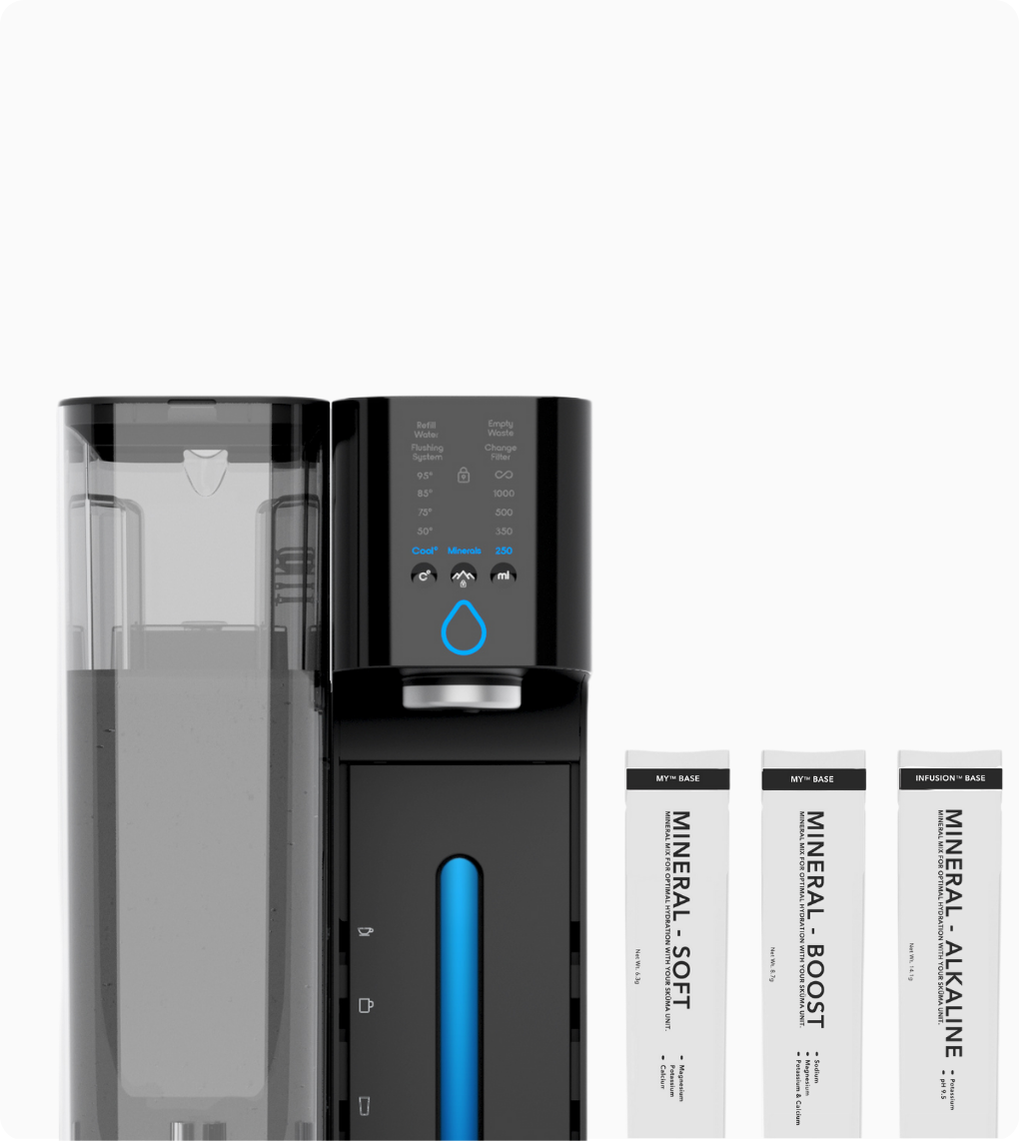
Once the tanks are empty, press the 'mL' button until it's set to infinite. Empty the machine completely. Once the blue dispensing button starts blinking, press and hold it to drain the remaining 400ml that's always available.
Step 3: unplug your MY™ Station
That’s all you need for an absence of less than two weeks.
Longer trip: you’re away for two weeks or more
For longer absences, a few extra steps will help protect your equipment and keep everything in top condition when you return.
Step 1: Empty your machine as shown above
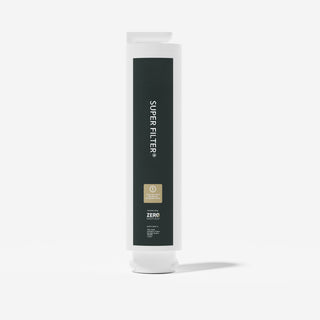
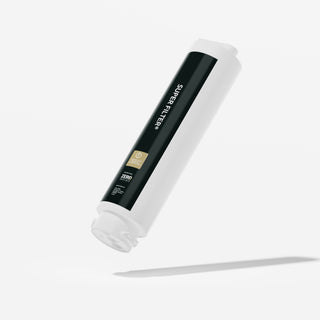
Step 2: remove the Super Filter and store it in the fridge
The filtration system needs to be kept cool during your absence. Take it out and place it directly in your refrigerator.
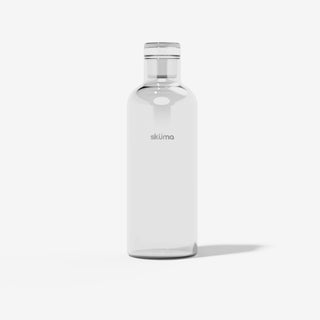
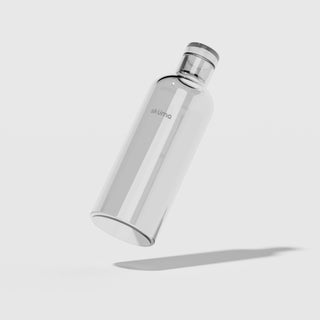
Step 3: remove the mineral bottle and store it in the fridge
Your mineral bottle keeps for 30 days from the moment the sachet is opened and the minerals are dissolved in water. Store it in the fridge and check, before you leave, that your return date falls within that window.
Step 4: unplug the machine
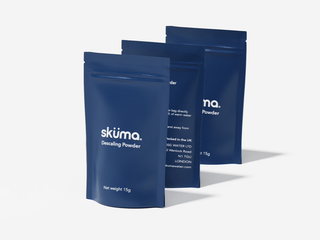
Note: if your absence exceeds 6 weeks, plan to replace the Super Filter when you get back. It is also recommended to descale your MY™ Station every 12 to 16 weeks, or after 8 weeks of inactivity, to ensure optimal performance.
Back home: getting started again
Getting your MY™ Station back up and running takes just a few minutes.
Reinsert the Super Filter with the tool key and make sure it’s properly locked
Run a rinse cycle before your first use.
A rinse cycle means filling the water tank and fully emptying the machine.
Reinsert the mineral bottle and check it’s correctly seated
Enjoy your purified and remineralised water, just as you left it.
Want to take your MY™ Station with you?
Absolutely possible. Here’s what you need to know.
Dimensions and weight
The MY™ Station measures 40.5 cm (H) × 22 cm (W) × 34 cm (D) and weighs 9 kg. Compact enough to fit easily in most car boots.
Packing for transport
Empty the machine completely before packing. Use the original box wherever possible, it’s the best protection for your machine during transport.
Travelling abroad: adapter and voltage
Before packing your MY™ Station for a trip abroad, two things to check:
- Bring the right adapter for your destination
- Verify the local voltage: some countries run on 110V, which is incompatible with European 220V appliances without a transformer
Quick reference
|
Situation |
What to do |
|
Away < 2 weeks |
Empty both tanks + hold the blue button to drain the internal circuit + unplug |
|
Away 2+ weeks |
Empty + Super Filter in fridge + mineral bottle in fridge + unplug |
|
Away > 6 weeks |
Replace Super Filter on return |
|
Taking MY™ Station with you |
Empty + pack in original box |
|
Travelling abroad |
Adapter + check voltage |
Get the most out of your MY™ Station
A few simple habits can make all the difference in your daily hydration routine.
TIP 1 — 400ML EXTRA WATERGet up to 400ml extra When your MY™ Station appears empty and the blue button is blinking, there’s still water available. Simply press and hold the dispense button to access up to 400ml of extra water. Perfect for:
|
TIP 2 — DURING FILTRATIONDo not remove water tanks during filtration While your MY™ Station is filtering, avoid removing the tanks. The filtration process creates internal pressure and removing them can damage valves and pumps. For a smoother experience:
|
TIP 3 — TEMPERATUREAdjust your hot water temperature, one level at a time Water temperature can vary depending on your home, region, or season. With your Sküma, you can easily fine-tune it:
|
Any questions before you go?
If you’re unsure about anything, our team is here to help. Safe travels and when you’re back, your purified and remineralised water will be waiting.